
Posture Zone
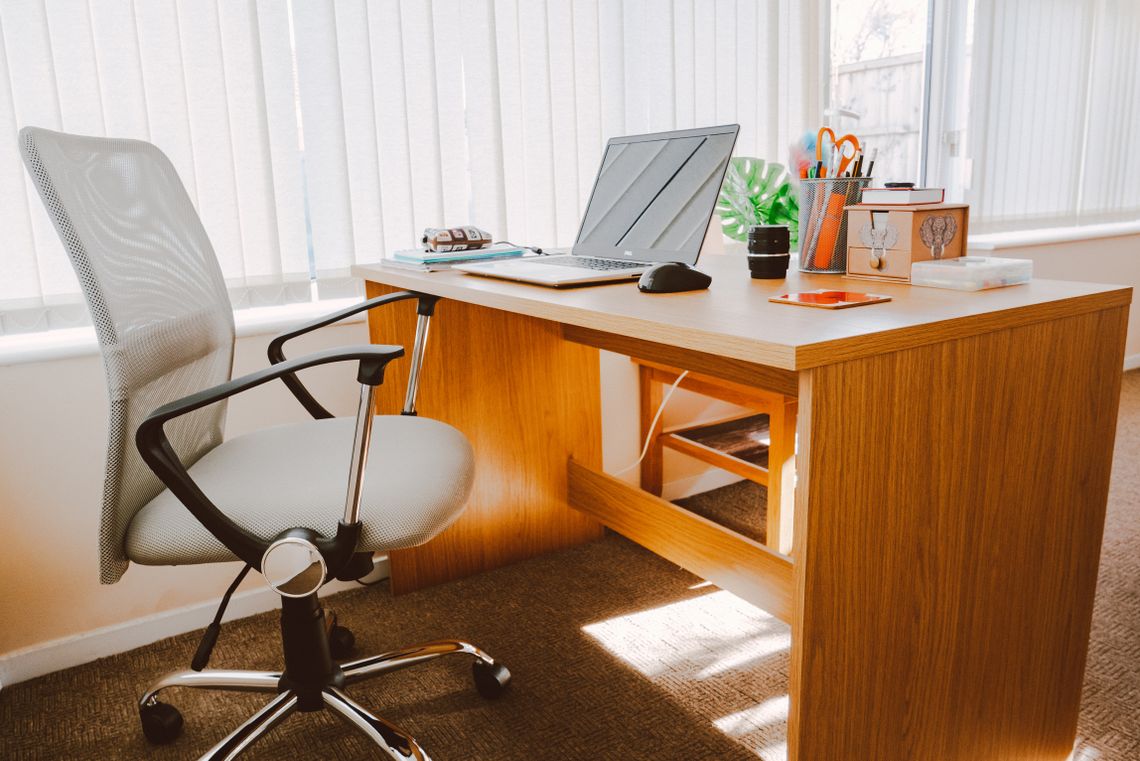
Ergonomic chairs, active seating and chair support shape how your body meets the workspace.
Formvia Workspace Guides
Use these guides to think through posture, desk height, screen position, movement, storage, lighting and privacy as connected parts of one working environment.
Guide index
Each guide focuses on a specific layer of the workspace. Start where the most friction exists, then move outward until the whole setup feels more coherent.
Identify what feels uncomfortable, cluttered or difficult before changing the setup.
Work through the desk in the right order: seating, surface, screens, input and atmosphere.
Understand how posture, reach, storage and focus zones influence one another.
Use small changes in height, distance and position before assuming the whole setup needs replacing.
Review the complete workspace before deciding what still needs attention.
Use Formvia support when you need help understanding an order, delivery or product choice.

Workspace audit
A better setup starts with observation. Pay attention to what repeatedly interrupts comfort, reach, visibility or focus during a normal workday.
Setup sequence
Start with the physical foundation and work outward. This prevents one product choice from forcing awkward compromises elsewhere.

Workspace zones
A workspace becomes easier to understand when you divide it into functional zones and improve each one with a clear purpose.
Ergonomic chairs, active seating and chair support shape how your body meets the workspace.
Standing desks, converters, risers and office desks establish the main working height.
Monitor arms, laptop stands, keyboards and mice define viewing and reach.
Cabinets, shelving and desk organizers keep tools accessible without crowding the surface.
Standing comfort, office lighting, privacy and acoustic solutions shape the surrounding environment.
Adjustment guide
Before replacing major pieces, test smaller adjustments. A few centimeters of height, distance or repositioning can change how the workspace feels.

Final checklist
A strong workspace feels balanced across comfort, technology, organization and atmosphere. Use this checklist as a final review.
If not, revisit chair height, support and the relationship between seating and desk height.
If not, review monitor arms, mounts, laptop stands or screen risers.
If not, rethink the placement of keyboards, mice, organizers and nearby storage.
If not, move secondary items into cabinets, shelving or vertical storage solutions.
If not, consider standing support, adjustable desks or active seating options.
Review lighting, privacy and acoustic comfort if glare, distraction or surrounding noise remains a problem.
Need help applying the guides?
If you need help with an order, delivery, return or product-related question while building your workspace, keep your order details available so support can assist you efficiently.